
Guided long multiplication
The board highlights the current cell and keeps the calculation sequence visible from partial products to the final answer.
Multio
Multio helps children work through long multiplication with a guided board, step-by-step input, immediate review, and local progress tracking for each profile.
Learning flow
Children choose a level, solve each cell in order, then review mistakes with the completed layout visible.
The board highlights the current cell and keeps the calculation sequence visible from partial products to the final answer.
Each child has a local profile. The displayed level follows the highest stage completed with a perfect set.
Missed problems are saved for review, and optional local reminders help families keep a short daily routine.
Screenshots
These screenshots are taken from the iPhone release preparation build.
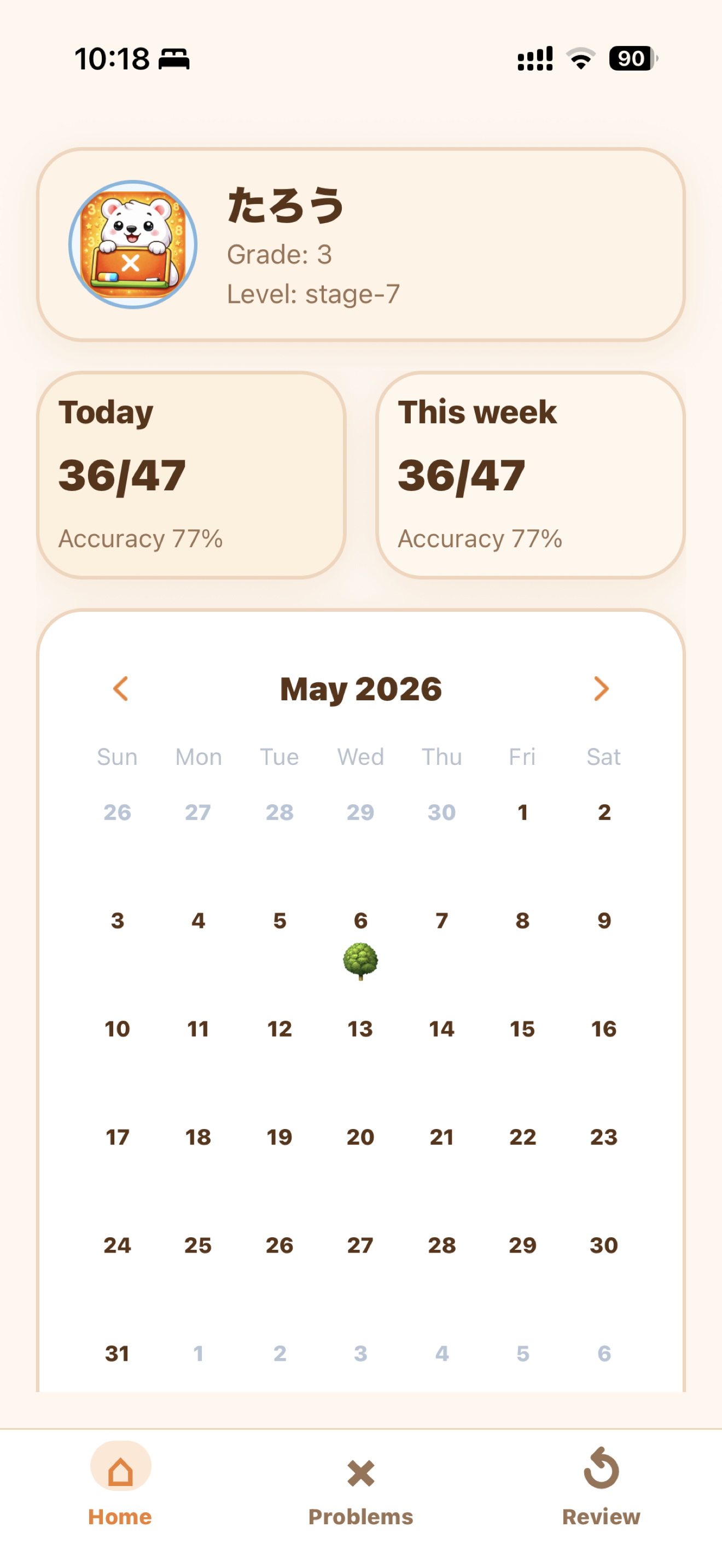
Profiles and progress stay visible so each child can continue from their own level.
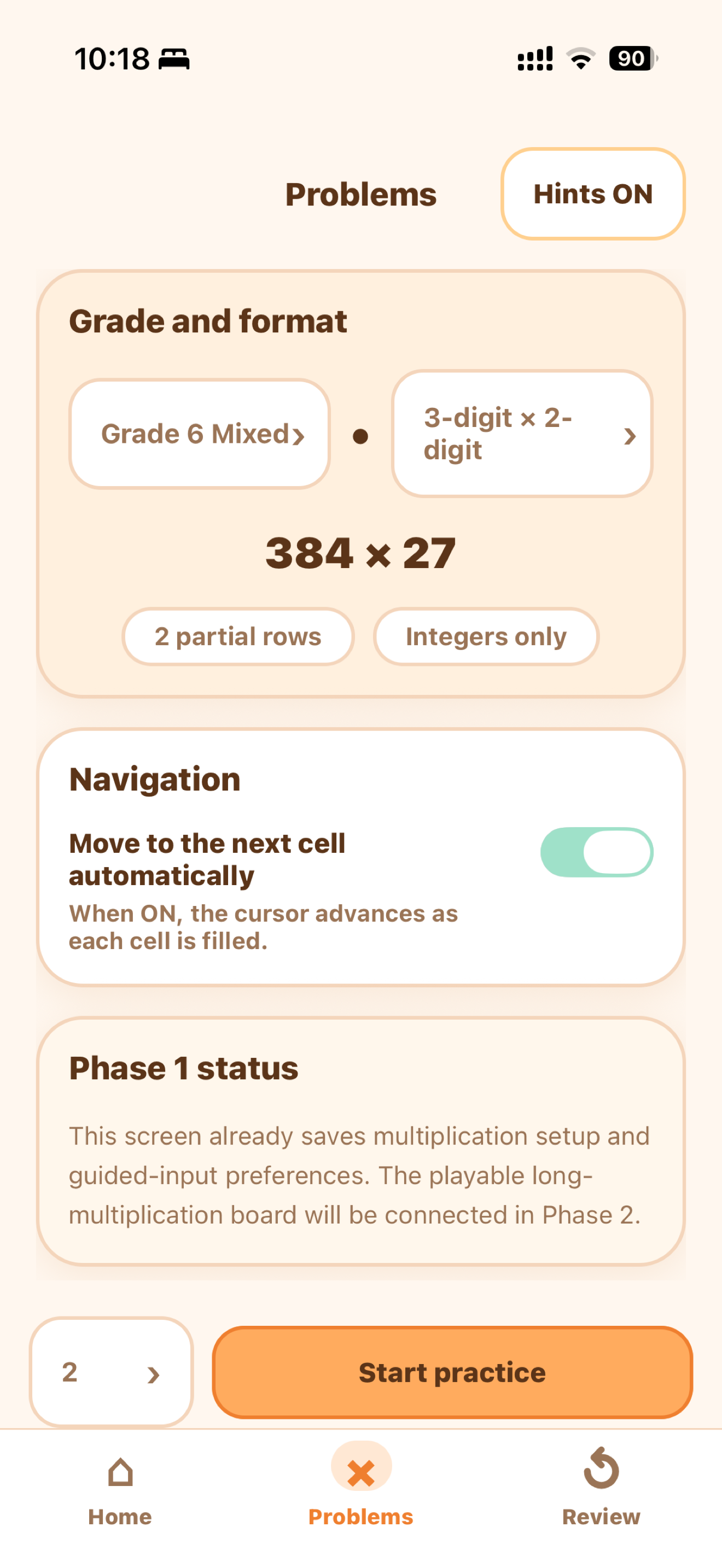
Choose grade, format, question count, hints, and navigation before starting a set.
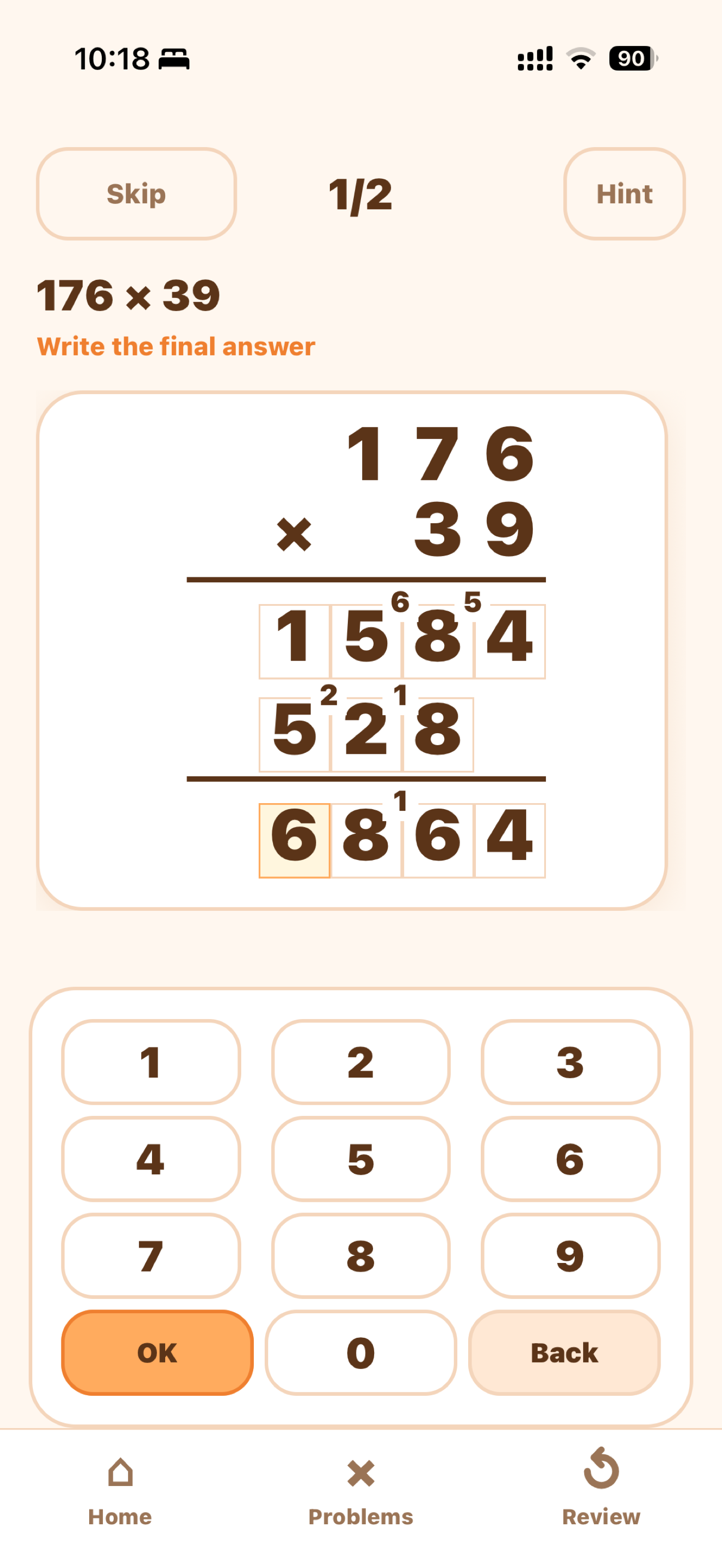
The current cell, carry notes, partial products, and keypad stay in one focused view.
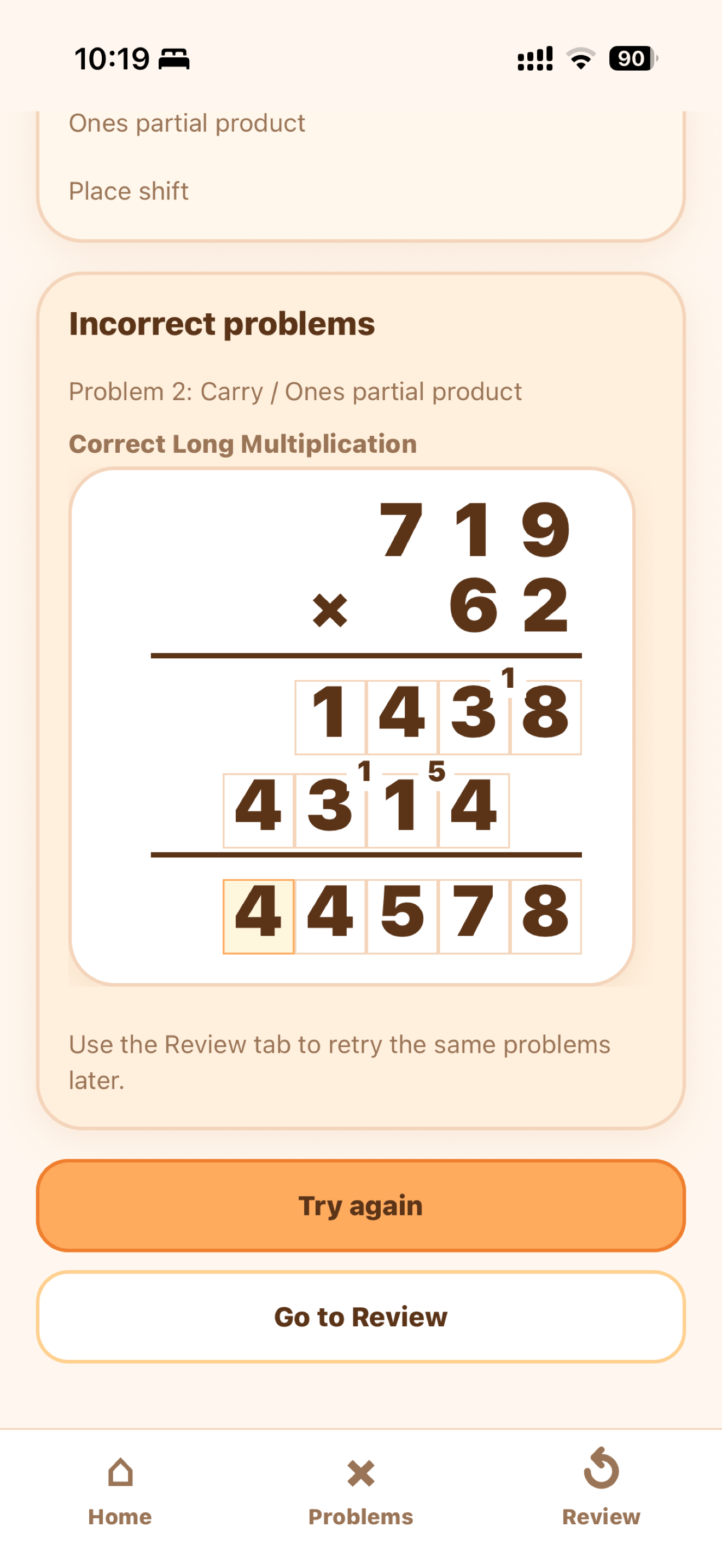
Set results show accuracy, hints, weak points, and problems to review.
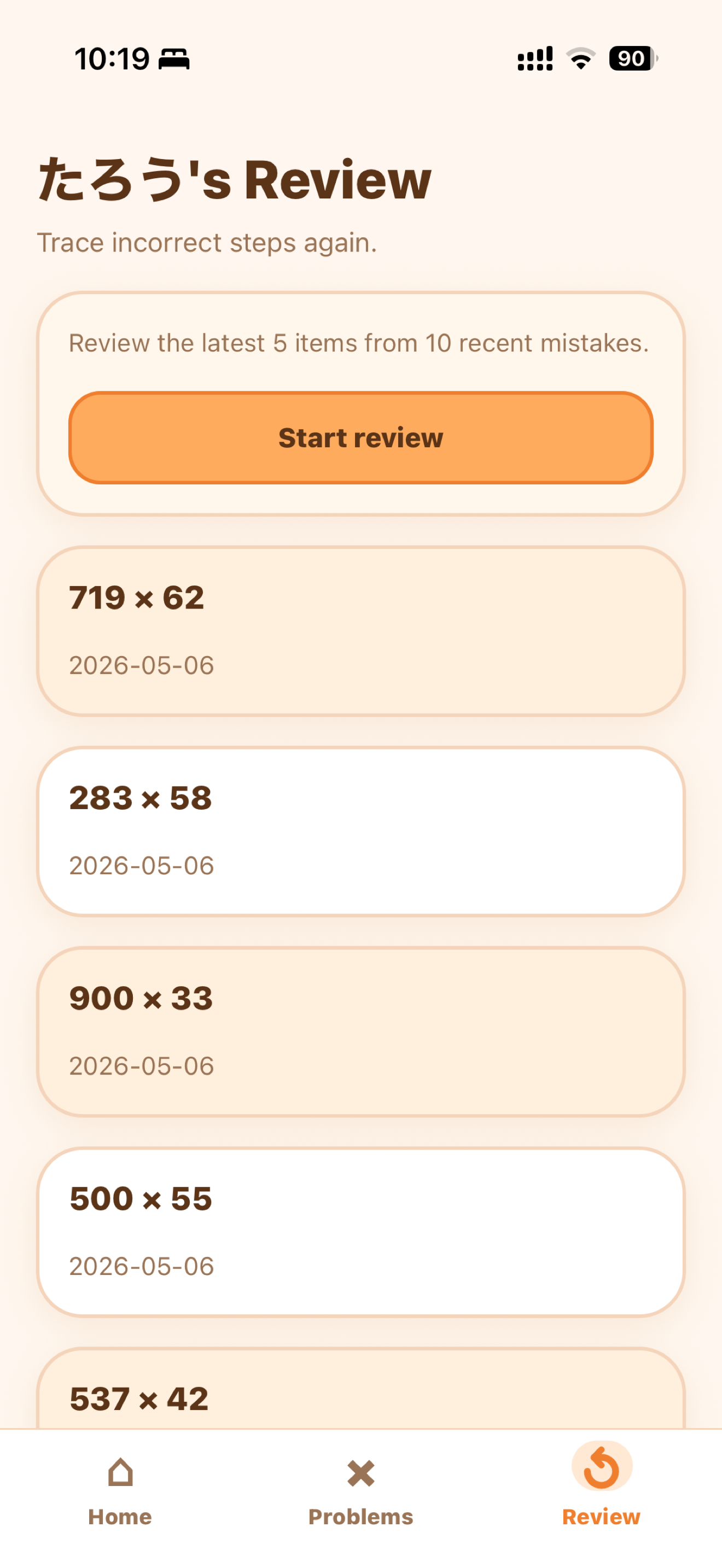
Incorrect problems remain available so children can retry them deliberately.
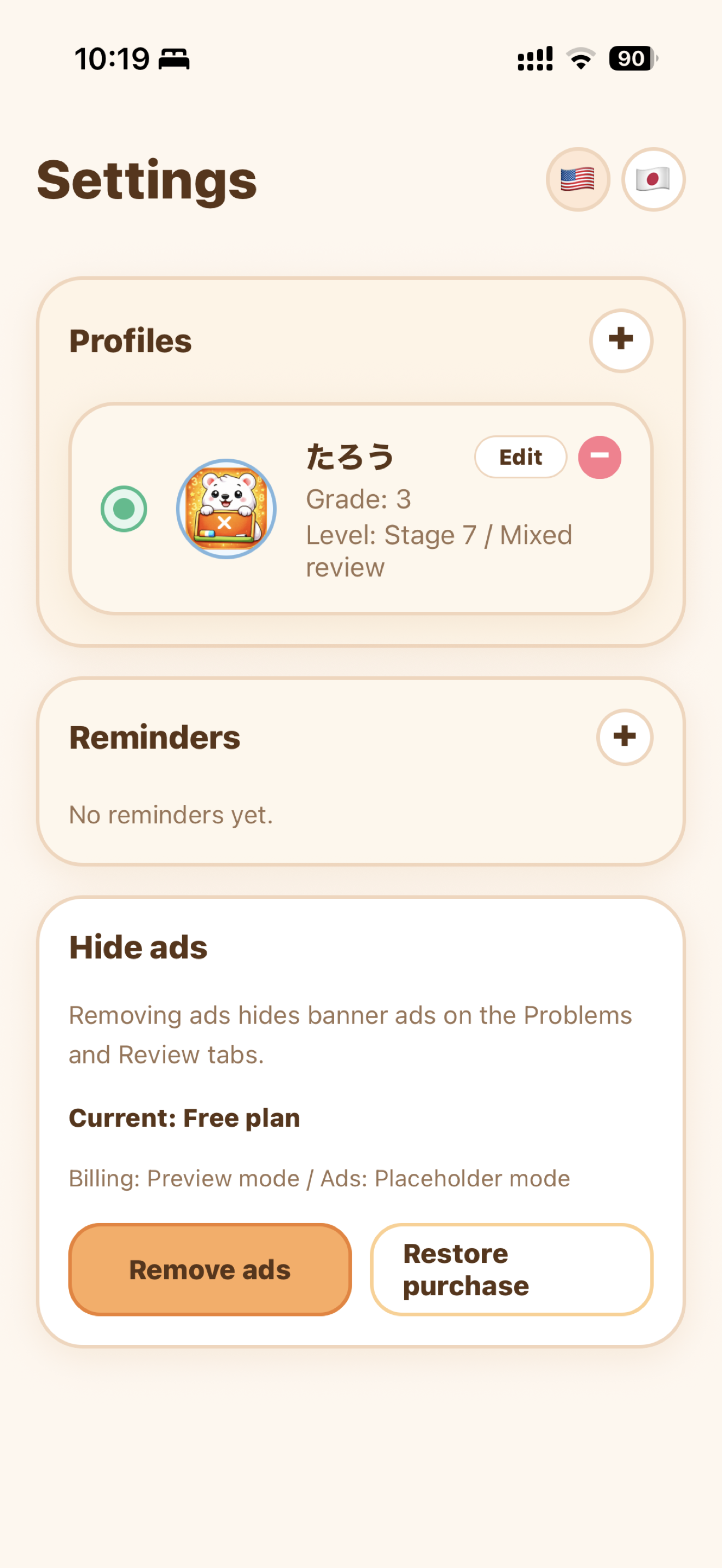
Families can manage profiles, reminders, language, and support settings locally.
Support and privacy information for Multio is available here.
The first release stores learning data locally and does not require account registration.