Guided written subtraction
The board highlights the current answer, borrow helper, or reduced digit so learners can follow the subtraction algorithm.
MyNass
MyNass helps children practice written subtraction with a guided grid, borrowing steps, review, and local progress tracking for each profile.
 Preparing for App Store
Learning flow
Children choose a subtraction format, follow each borrowing and answer step in order, then review the completed written work.
The board highlights the current answer, borrow helper, or reduced digit so learners can follow the subtraction algorithm.
Borrowing is separated into the helper one, slash mark, reduced upper digit, and final answer input.
Every problem remains visible in review, with incorrect items clearly marked.
Screenshots
See the main MyNass flow from home records to problem setup, guided subtraction, review, and settings.
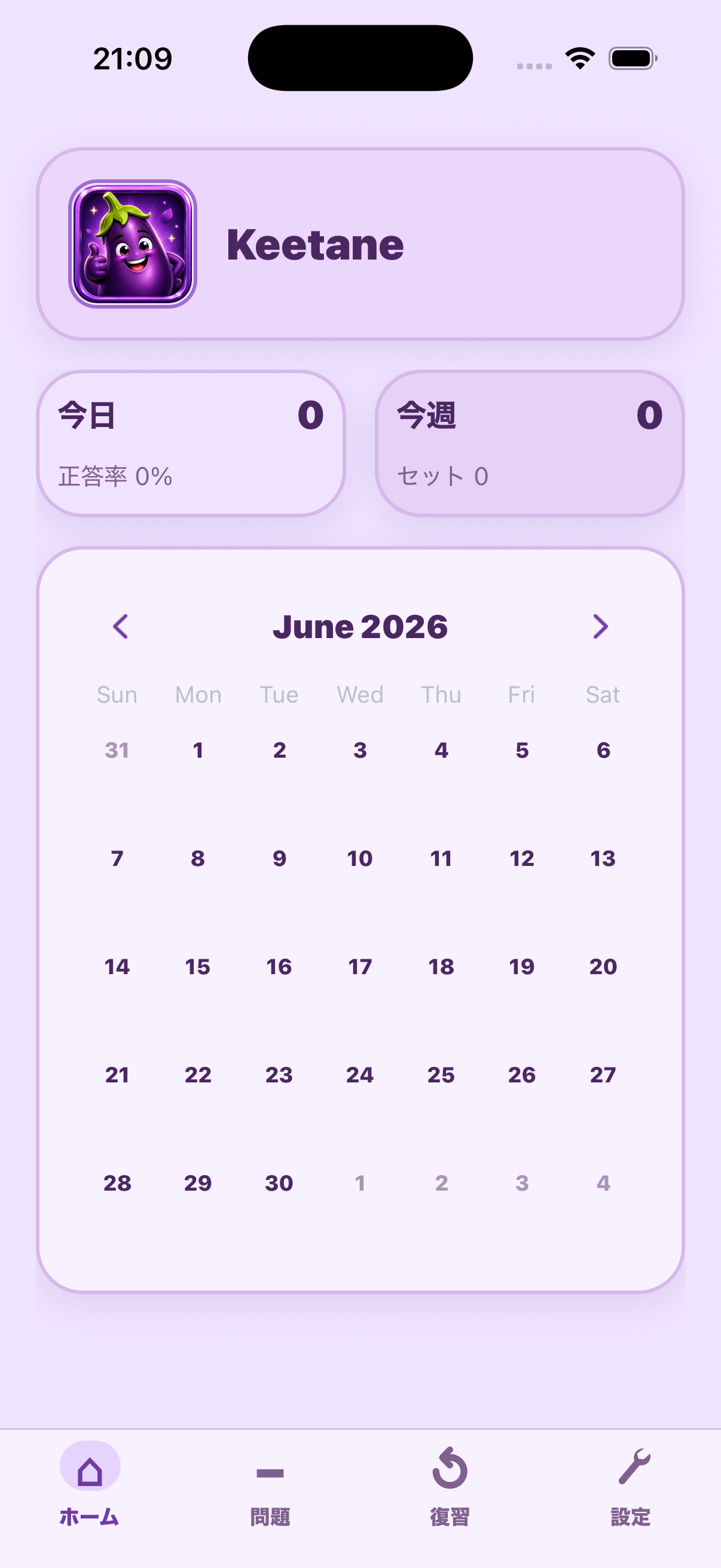
Profiles, calendar progress, and recent activity stay visible.
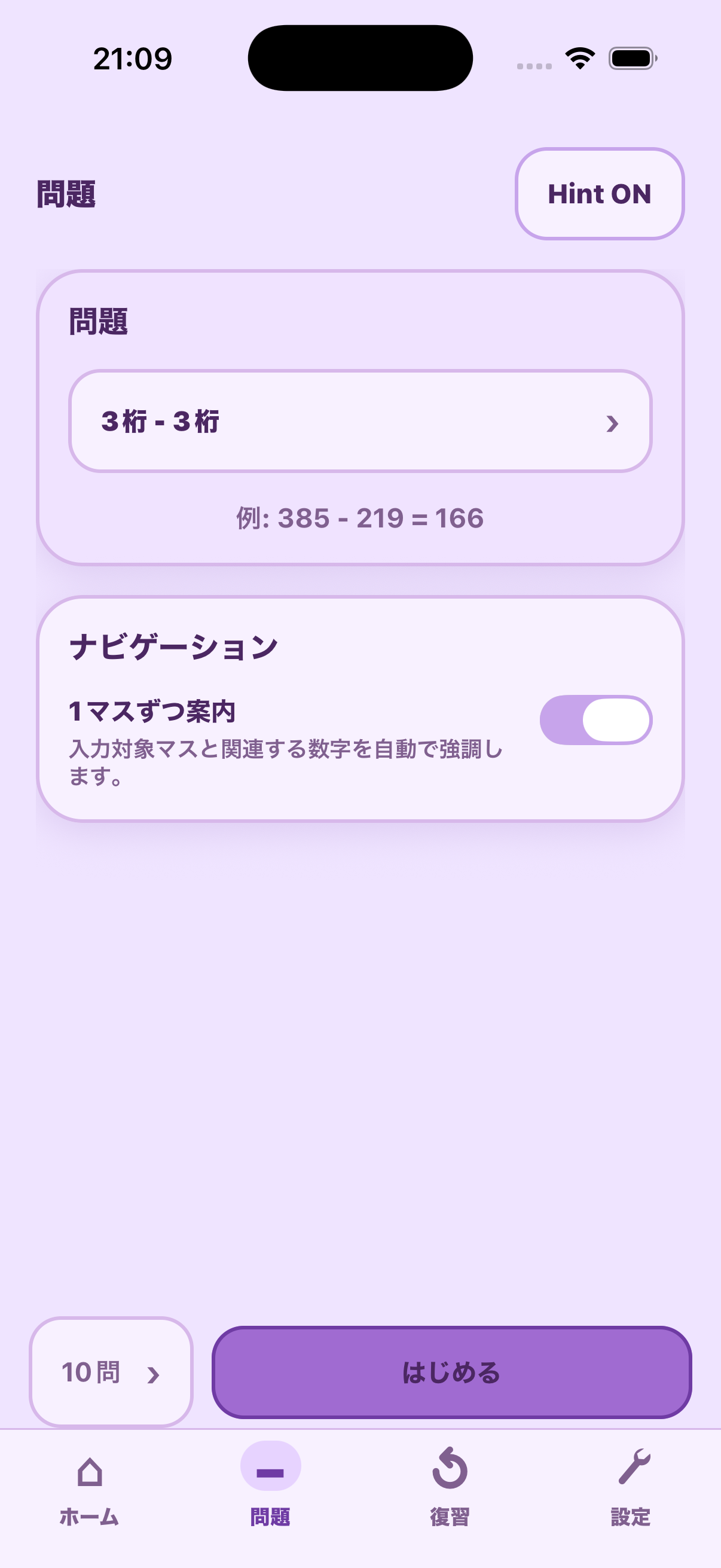
Choose the subtraction format and start a short practice set.
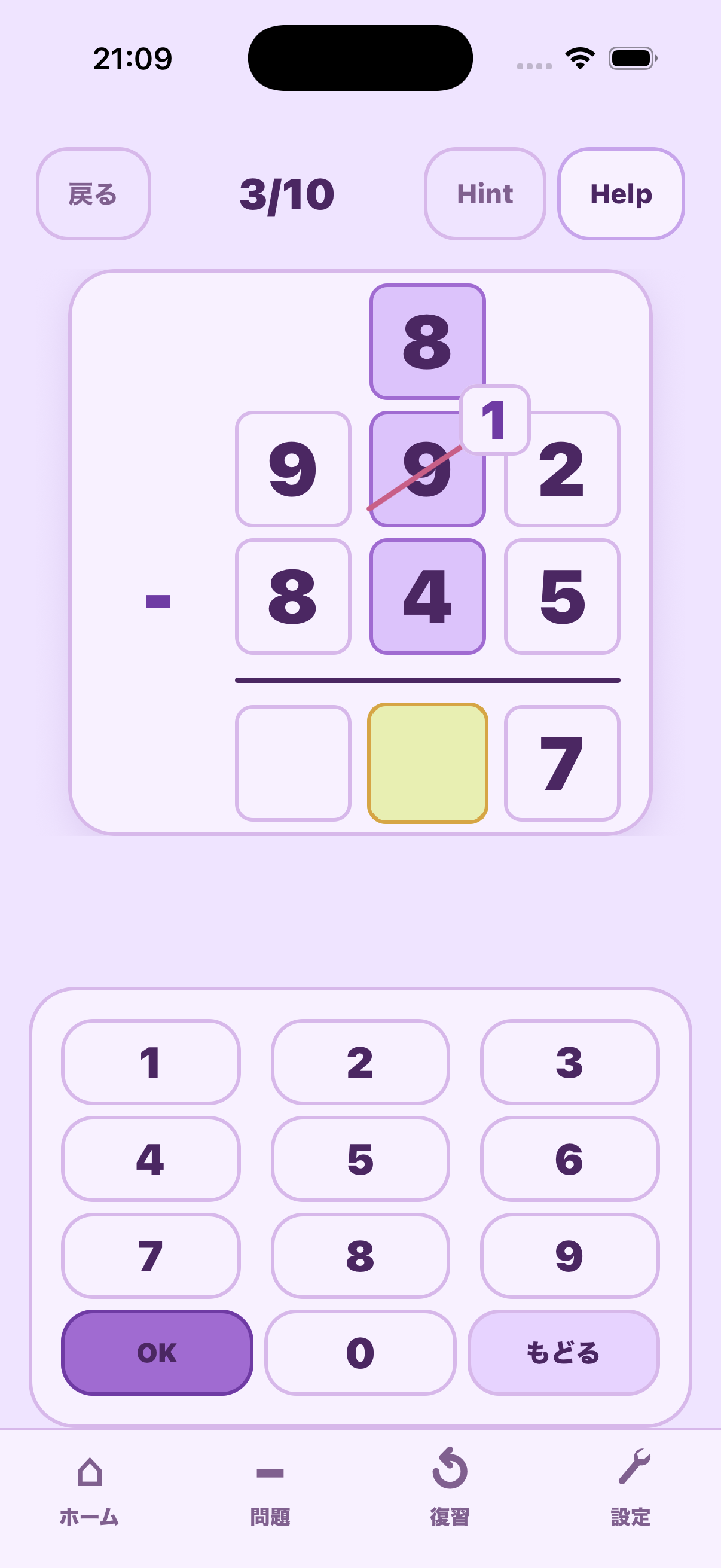
Borrowing steps, the active cell, and keypad stay in one focused view.
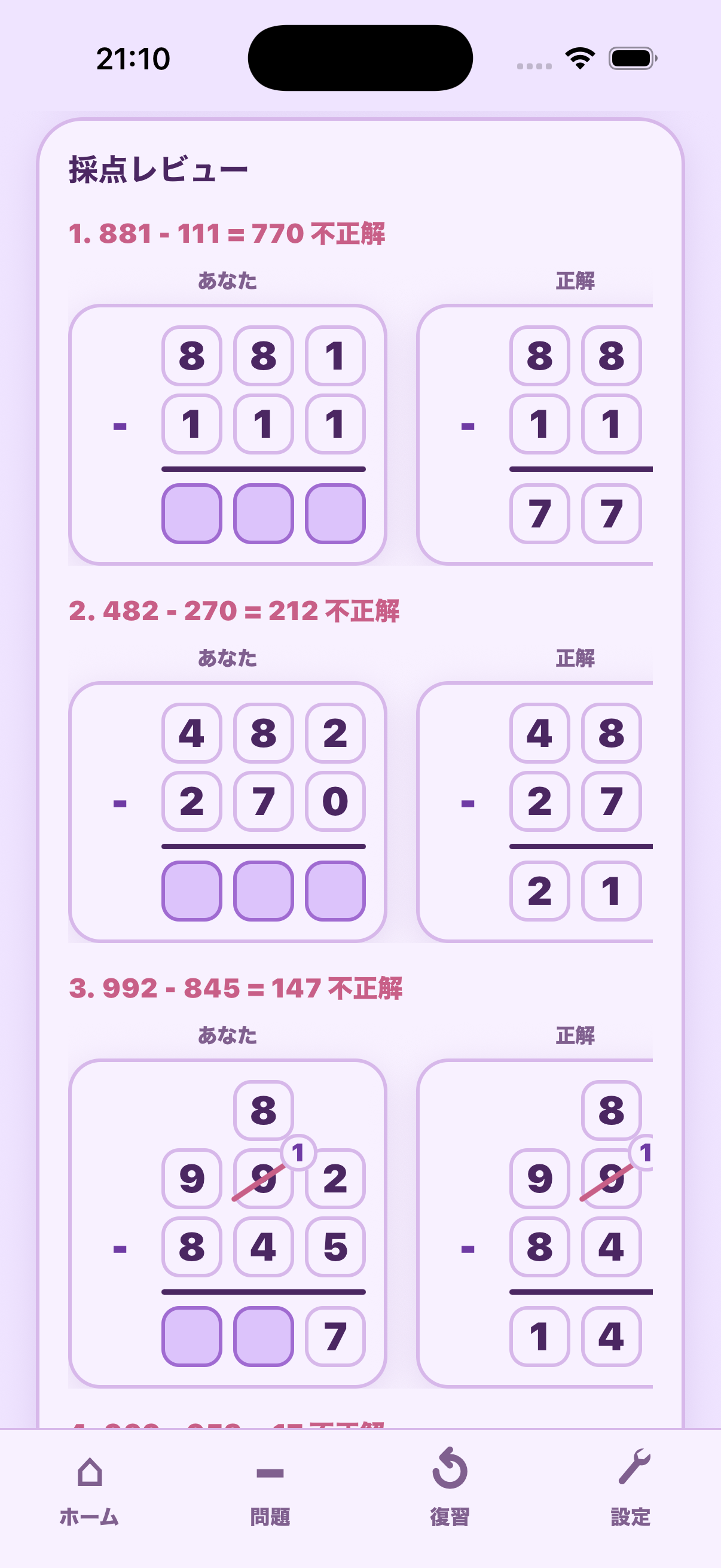
Learner answers and correct written subtraction stay side by side.
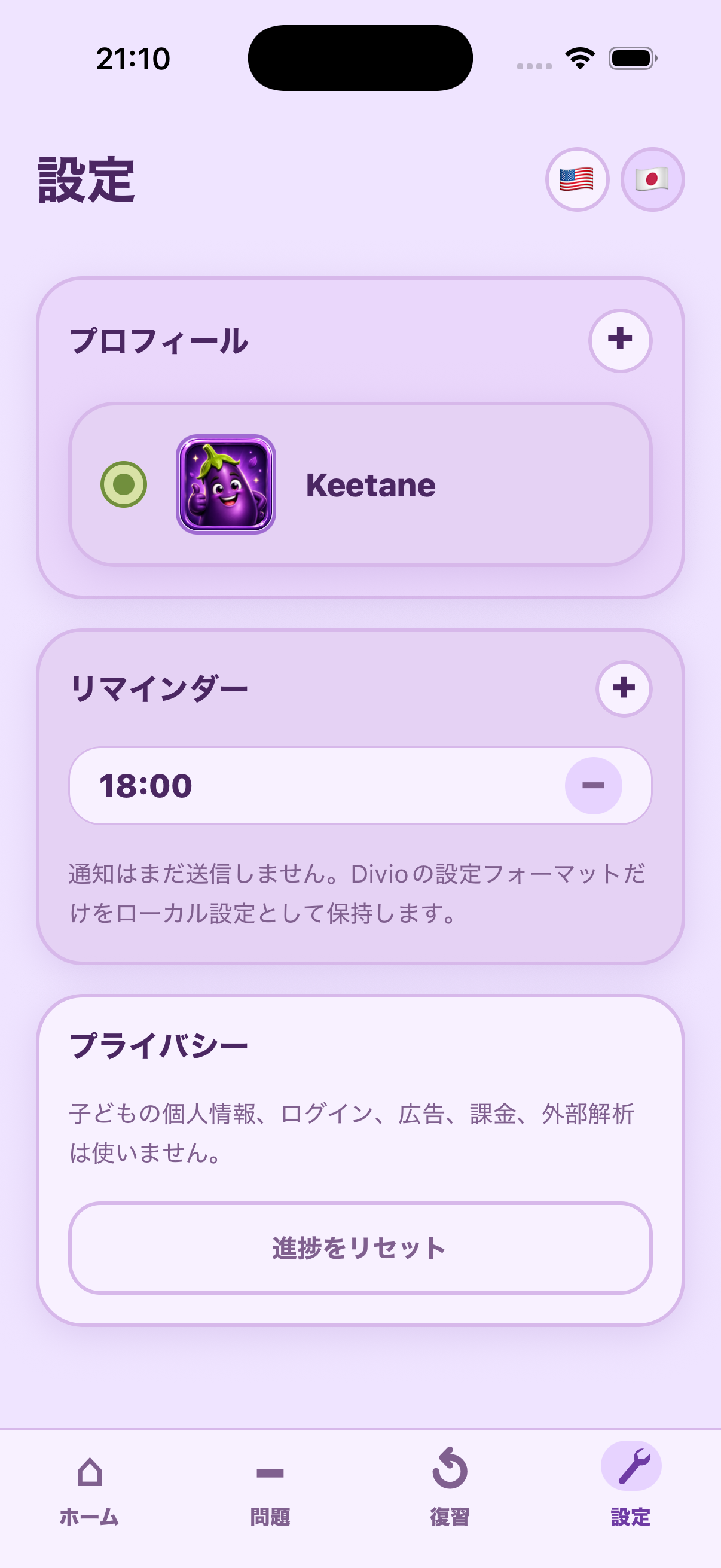
Families can manage profiles, language, and local app preferences.
Support and privacy information for MyNass is available here.
The first release stores learning data locally and does not require account registration.